Android management,
fully redefined.
A high-performance, open-source desktop toolbox for Android. Mirror screens, manage files, and install APKs with zero friction.
A high-performance, open-source desktop toolbox for Android. Mirror screens, manage files, and install APKs with zero friction.
Recommended Content
AdSpace - Supporting Open SourceTurn on USB Debugging in your phone's Developer Options.
Connect via USB. When prompted, tap Allow on your screen to authorize your computer.
Launch the app. It will auto-detect your device. Start mirroring or managing instantly.
Connect via IP/Port pairing. Manage physical and wireless devices in a single, unified view with history support.
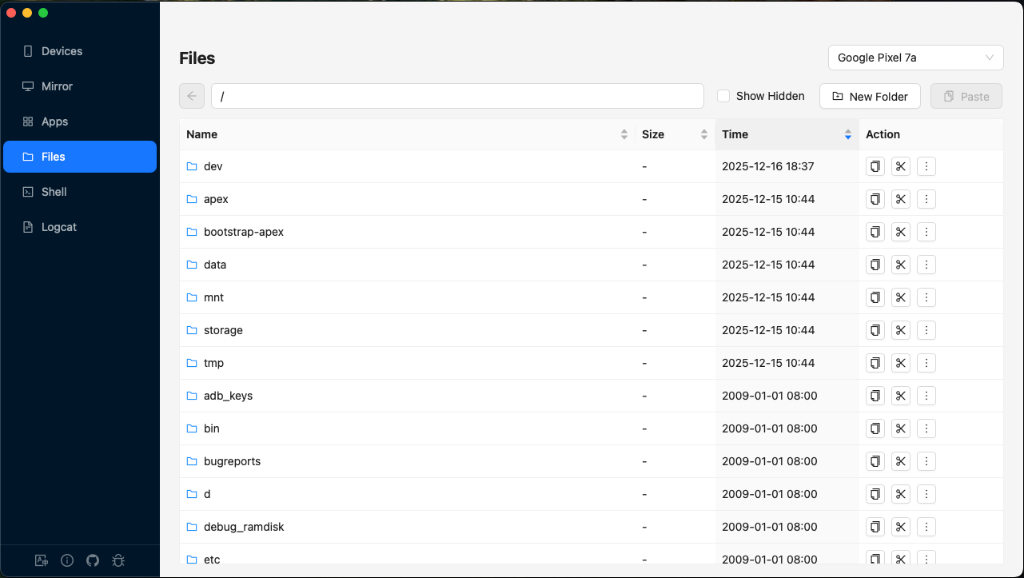
Full-featured explorer with drag-drop upload, seamless downloads, and easy file manipulation (Copy/Cut/Paste/Delete).
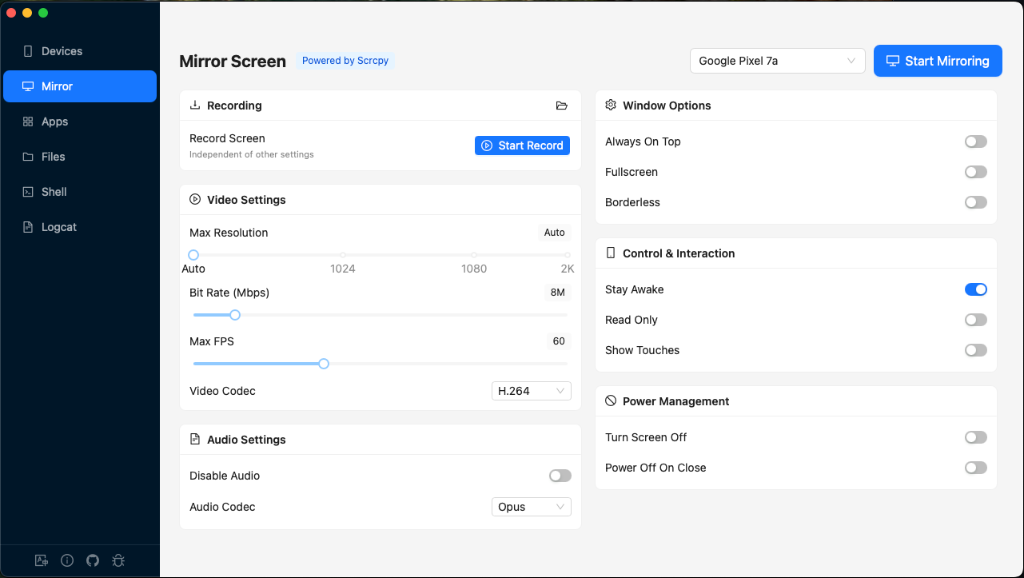
Low-latency mirroring with audio forwarding. Record screens independently in the background with one-click access.
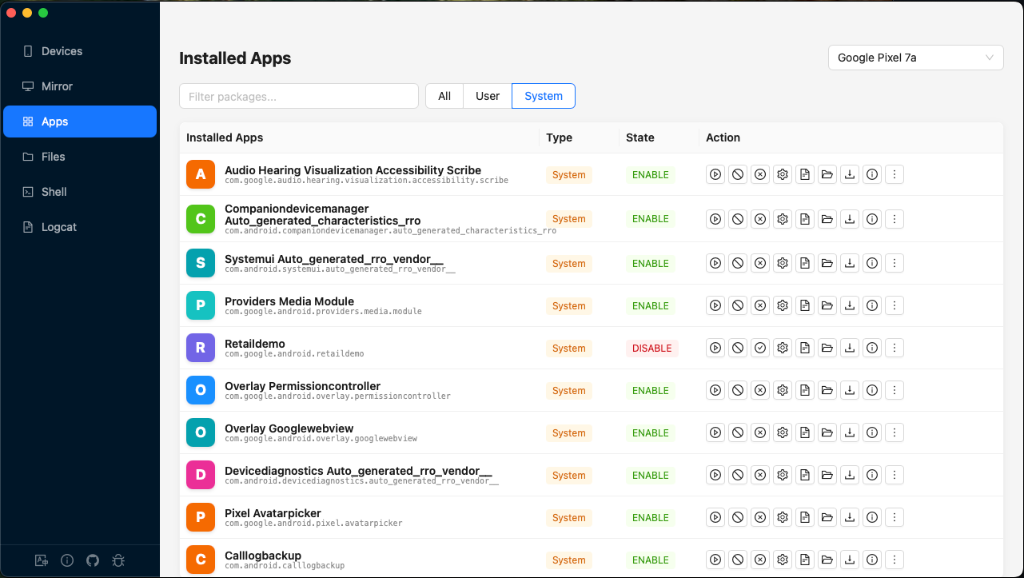
One-click install/uninstall, APK export, data clearing, and detailed package management.
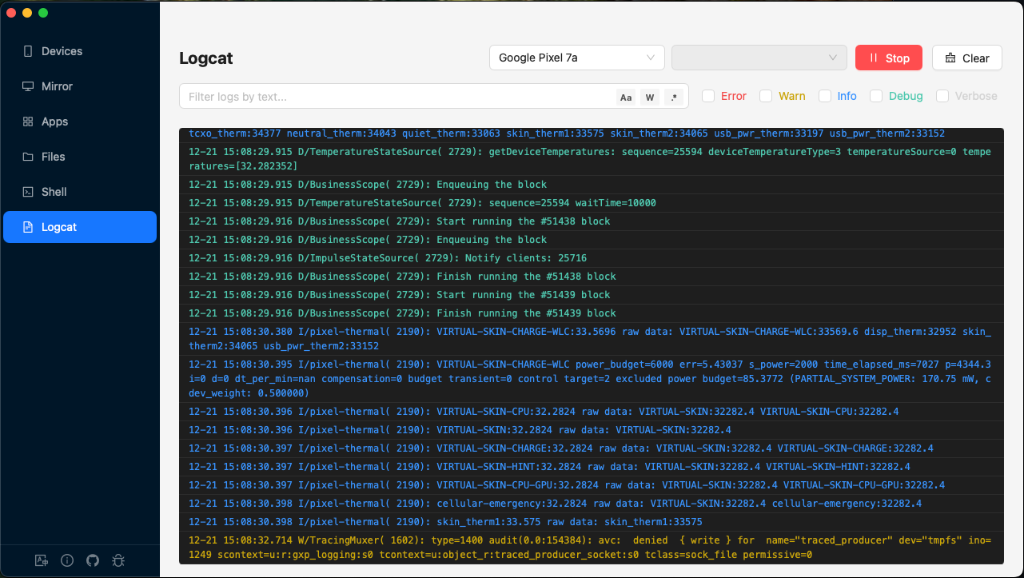
Powerful Logcat viewer with regex filtering and integrated ADB Shell console for direct command execution.
Low-latency control & recording
Drag & drop transfer
Batch install & detailed info
Real-time filtering & search
Integrated terminal console

Quick access & background control

If you see this error, it's due to macOS Gatekeeper quarantine on downloaded unsigned apps. To fix it, run this command in your terminal:
*Replace /path/to/adbGUI.app with the actual path to your downloaded application (e.g.,
/Applications/adbGUI.app)*
If Microsoft Defender SmartScreen prevents startup:
Click More info → Run anyway.
✨ Alternative: You can also build from source safely on your own machine.